


Check Your Limit

Check your microloan limit in just a few minutes and apply for a loan.


How to use the service?

Step 1

Open the Anorbank app, go to the Loans section and tap Check Your Limit.

Step 2

Review the maximum product terms and accept the Offer Agreement.

Step 3

Receive your limit (amount and term).

Step 4

Continue the application without re-entering your information.

microloan-middle.png


How the limit is calculated.

The Check Your Limit service sends a request to KATM and other data sources using the maximum parameters of the Convenient Microloan product (maximum amount and maximum term). This ensures efficient processing and accurate results. After processing, the Bank displays the microloan amount and term available to the customer.
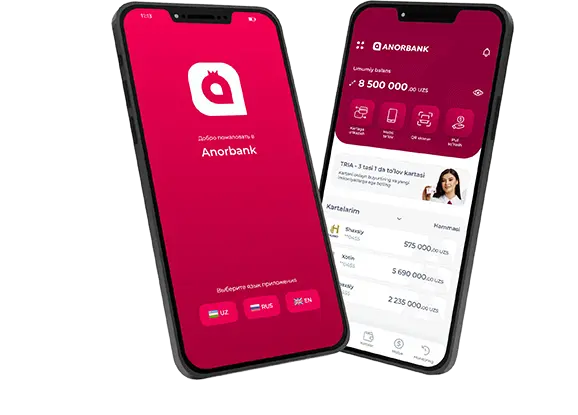

Anorbank App

The App offers a user-friendly and intuitive interface, new functions and features, and increased speed of operation.

QR code to download the Anorbank app
Scan the QR code
and download the app.

Thank you for your feedback!

Did you find the information you are looking for?

Share link:

07/08/26 14:08

Anora

Online

Welcome!

Please, introduce yourself to start the conversation